
Crystarium Edit
Goal: change Crystarium nodes in FINAL FANTASY XIII: their CP cost and bonus value, in the 3D editor and with SQL.
Prerequisites
Section titled “Prerequisites”- FINAL FANTASY XIII open (First Run and Game Setup). The Crystarium editor is XIII only. XIII-2 and LR hide it.
Steps: in the editor
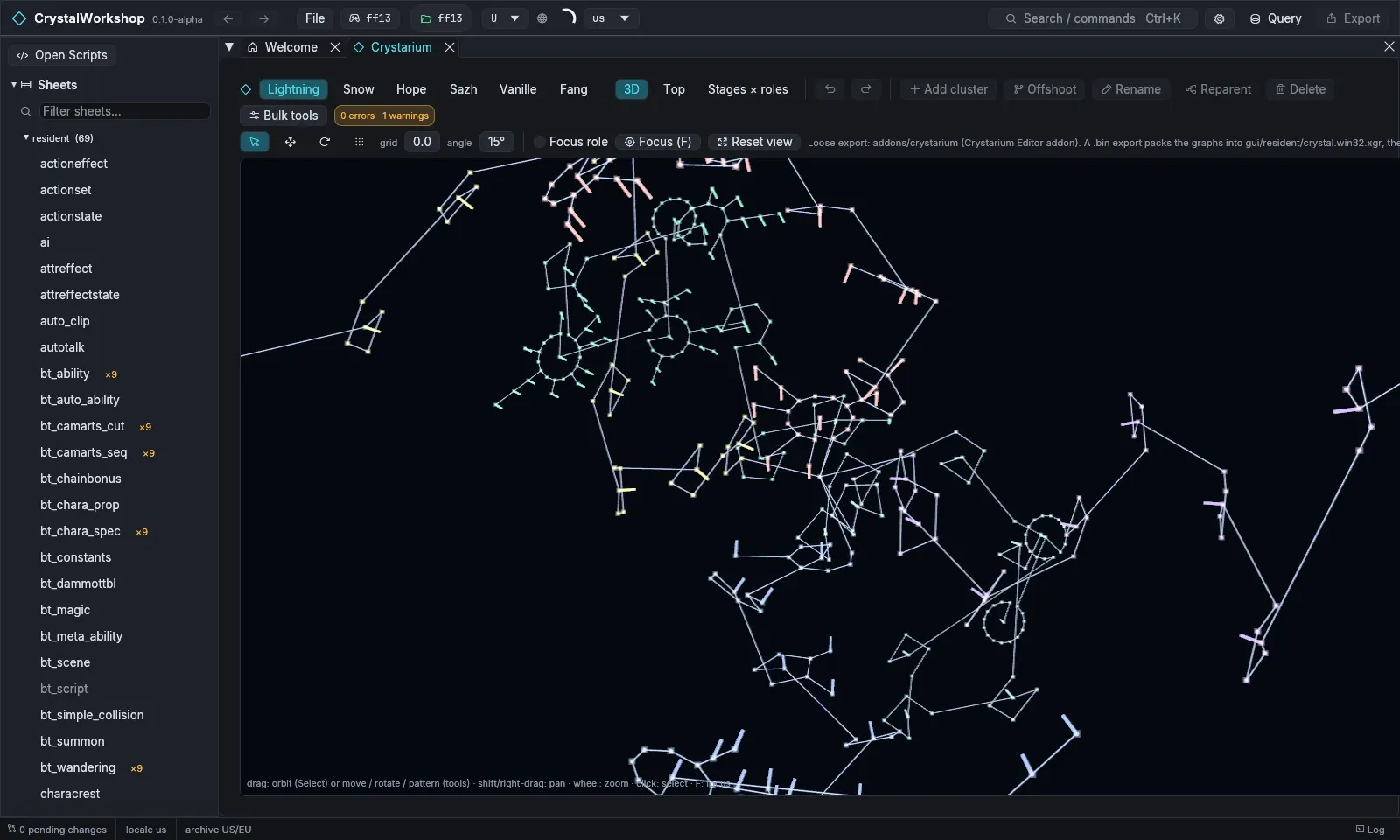
Section titled “Steps: in the editor”- Open Crystarium in the navigator, or choose Open the Crystarium on the Welcome page.
- Toolbar:
- pick a character: Lightning, Snow, Hope, Sazh, Vanille or Fang;
- pick a view: 3D, Top, or the Stages × roles table.
- Viewport:
- drag to orbit; shift- or right-drag to pan; scroll to zoom;
- click a node to select it; F focuses it;
- Focus role shows one role; Reset view resets the camera.
- Edit the graph:
- Tools: Select, Move, Rotate and Pattern, with grid and angle snapping;
- Structure: Add cluster, Offshoot, Rename, Reparent and Delete;
- Bulk tools changes many nodes at once;
- Undo / Redo are in the toolbar.
- Check: the validation badge (for example
0 errors · 1 warnings) lists problems. Export is blocked until there are no errors.
Steps: with SQL
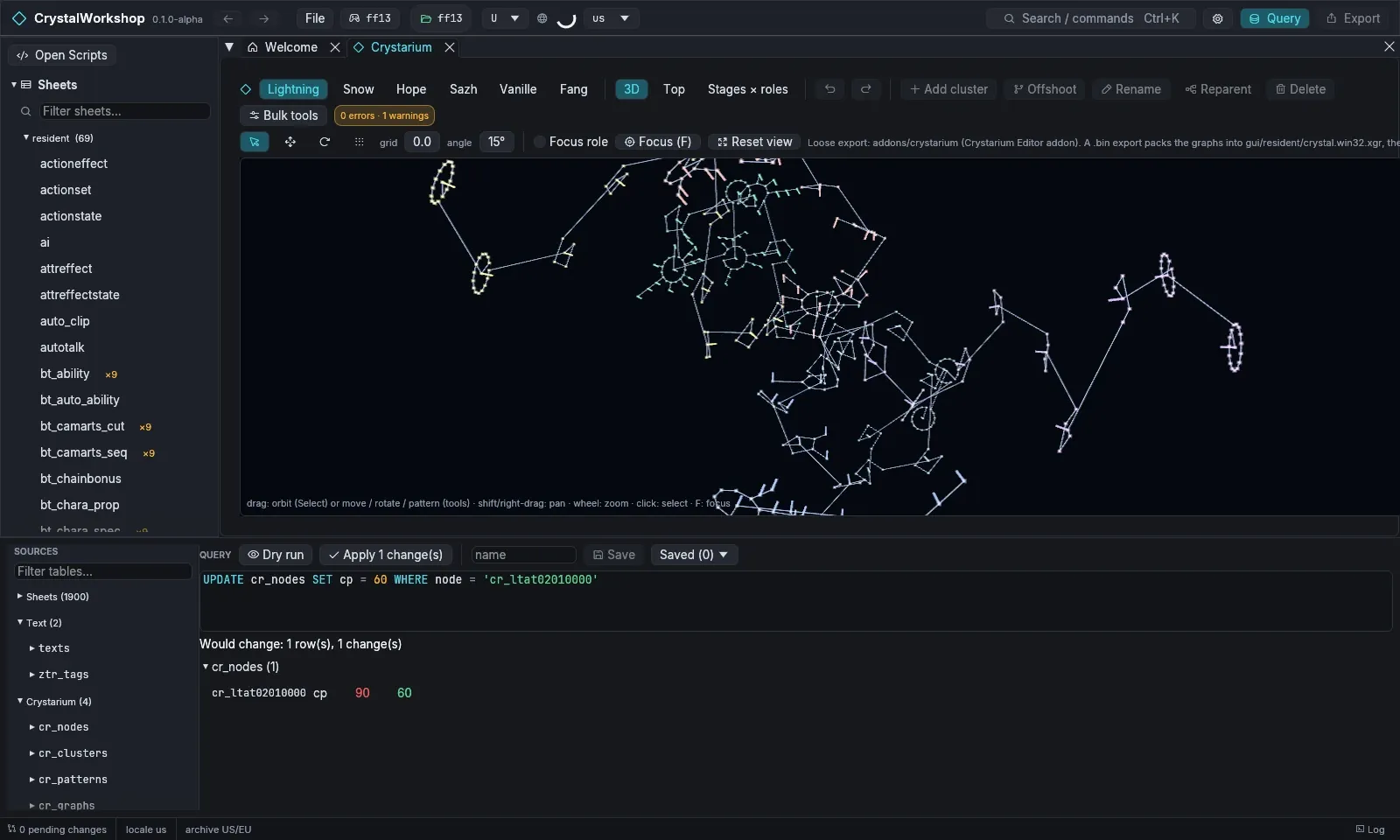
Section titled “Steps: with SQL”The Crystarium is also four tables in the Query panel: cr_nodes,
cr_clusters, cr_patterns and cr_graphs. cr_nodes has these columns:
node, character, stage, role, cluster, type (HP, MAG,
ABI, …), value, cp and ability.
SELECT node, role, type, value, cp FROM cr_nodes WHERE character = 'lightning' AND stage = 2UPDATE cr_nodes SET cp = 60 WHERE node = 'cr_ltat02010000'Dry run previews the change, and Apply N change(s) stages it. Both the editor and SQL changes are undoable.
Result
Section titled “Result”The changed graphs are pending. On export:
- Loose files go to
addons/crystarium, for the Crystarium Editor addon. - A shard packs the graphs into
gui/resident/crystal.win32.xgrand the matching data.
See Simple Mod Export.
Undo / revert
Section titled “Undo / revert”Undo and Redo are in the Crystarium toolbar. On the Changes page, revert the Crystarium files.
Known limits
Section titled “Known limits”- XIII only.
- PulseDepot merges Crystarium changes from several mods. Its review shows a Crystarium section.