
1. Create your project
In CrystalWorkshop, a mod project belongs to a game install: every edit you make is a pending change for that game, kept in CrystalWorkshop’s work folder until you export it. Opening the game is all it takes to start one.
-
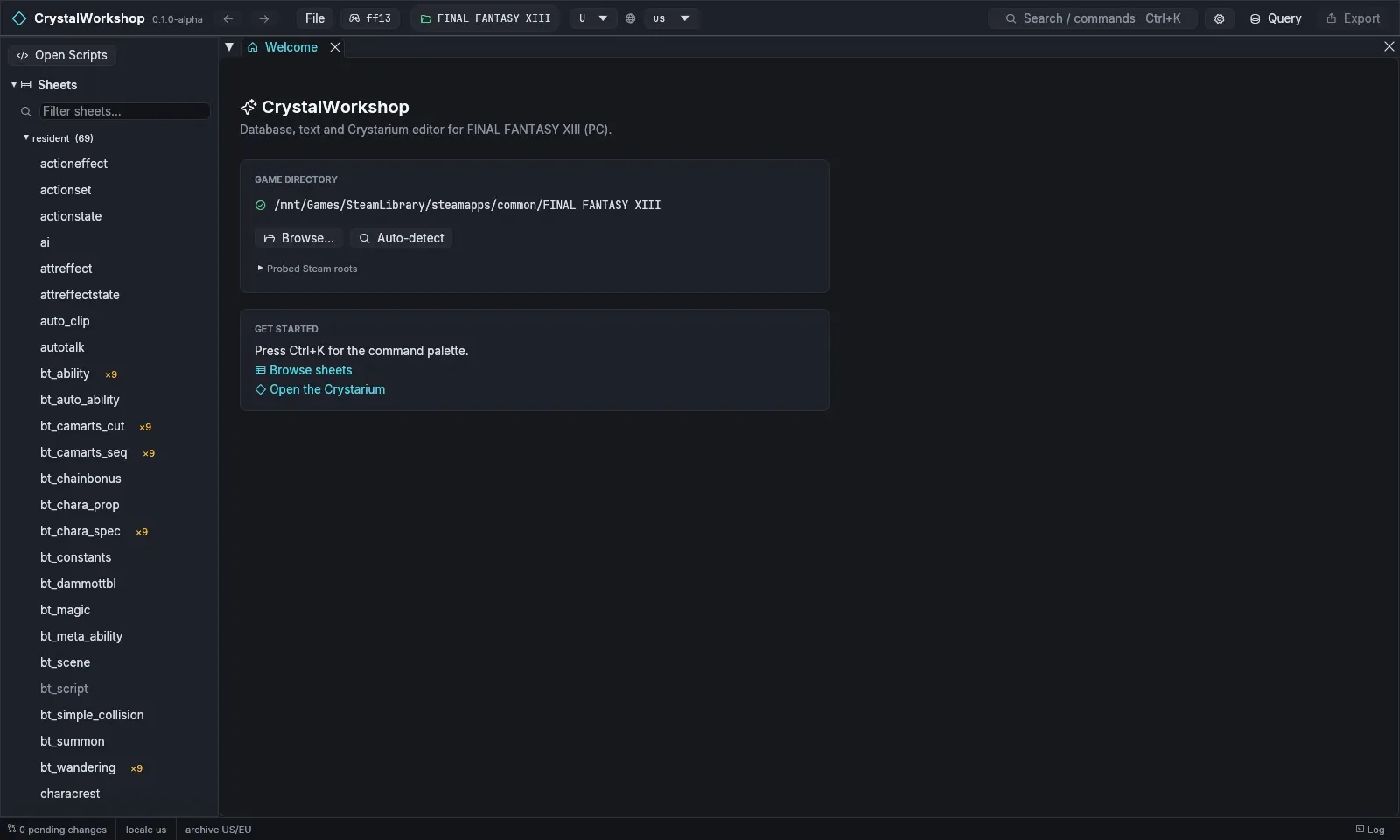
Start CrystalWorkshop. The Welcome page shows the game folder it found in your Steam libraries.
-
If no folder was found, choose Browse… and pick the folder that contains
white_data. Auto-detect searches again. -
Check the game and archive in the top bar: the game picker shows
ff13, the archive variant U (US/EU) and the display locale, for exampleus. The status bar reads0 pending changes. -
Find your way around. The navigator on the left lists Sheets, Text, Models, Motions, VFX, Sound, Scenes, Actions, Events, the Crystarium, Battle and Changes. Search / commands (
Ctrl+K) opens any page or file by name. The Project page (Ctrl+K, then Project) holds your mod’s metadata, native code units, attachments and filelists.
Result: your project is open, with nothing changed yet. CrystalWorkshop only reads the game; its own work goes to ff13_studio/ in the game folder.
More detail: First run and game setup. Next: 2. Make an edit.