
3. Review your changes
-
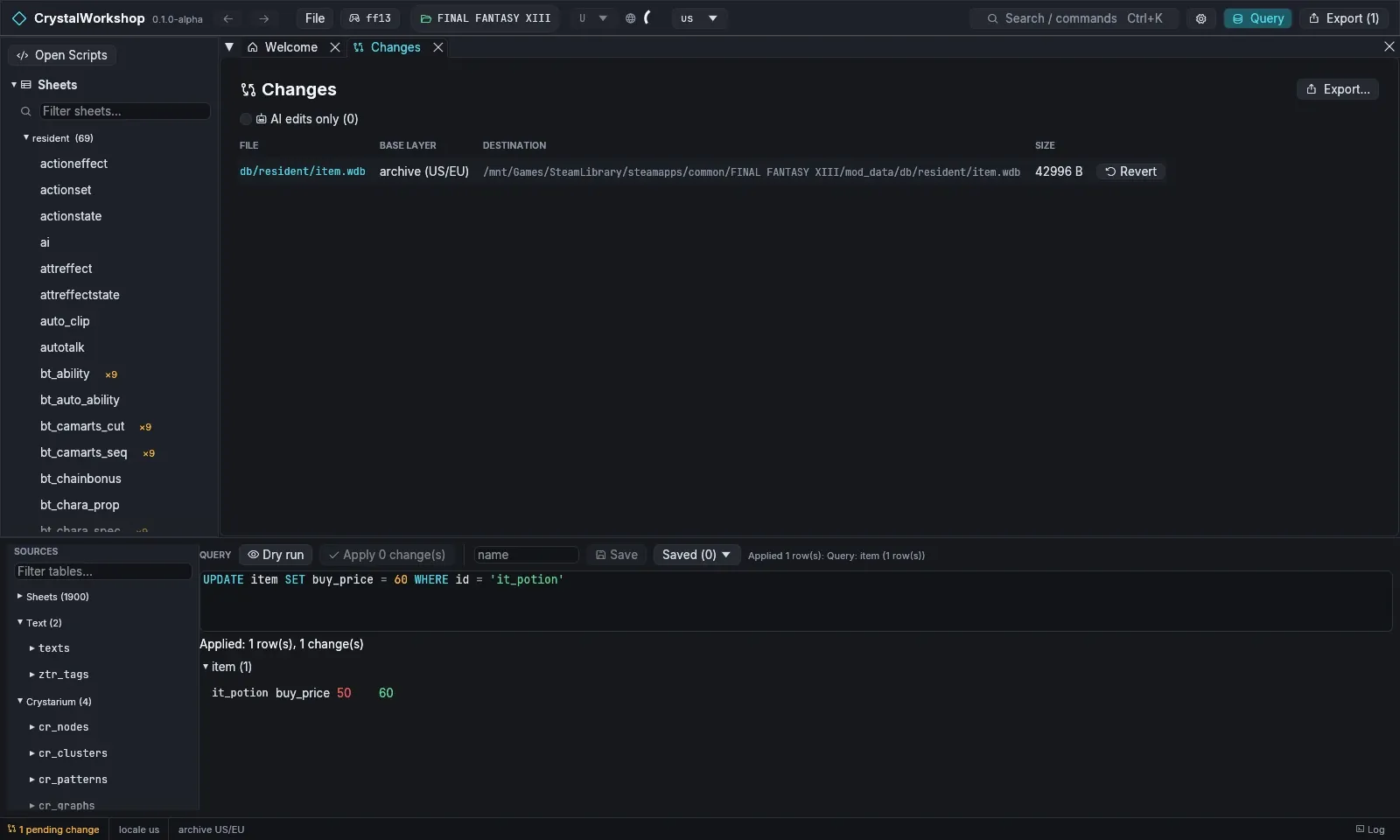
Open Changes, in the navigator or through Export (1). Each changed file is one row: the file, its base layer (the archive or an earlier mod layer), its destination and its size.
-
Check that only what you meant is there. For this mod that is one file,
db/resident/item.wdb. AI edits only filters to changes made by AI clients, if you use MCP. -
Revert what you do not want. Revert on a row puts that file back to the game’s original. Exporting never changes the game archives, so there is nothing else to undo.
Result: you know exactly what your mod will change.
Next: 4. Export a .cws shard.